
Start the clip — the sound comes on right away, completely flat. Then press the HEIGHT, DIALOG and WIDTH buttons to reshape the sound live: press a button to engage it, press it again to drop back to flat. Every mode is an actual recording of the NXBAR 2.1 playing this clip. Headphones or good speakers recommended.
Press Start the demo — the clip begins with flat, untouched sound. Then grab the remote.
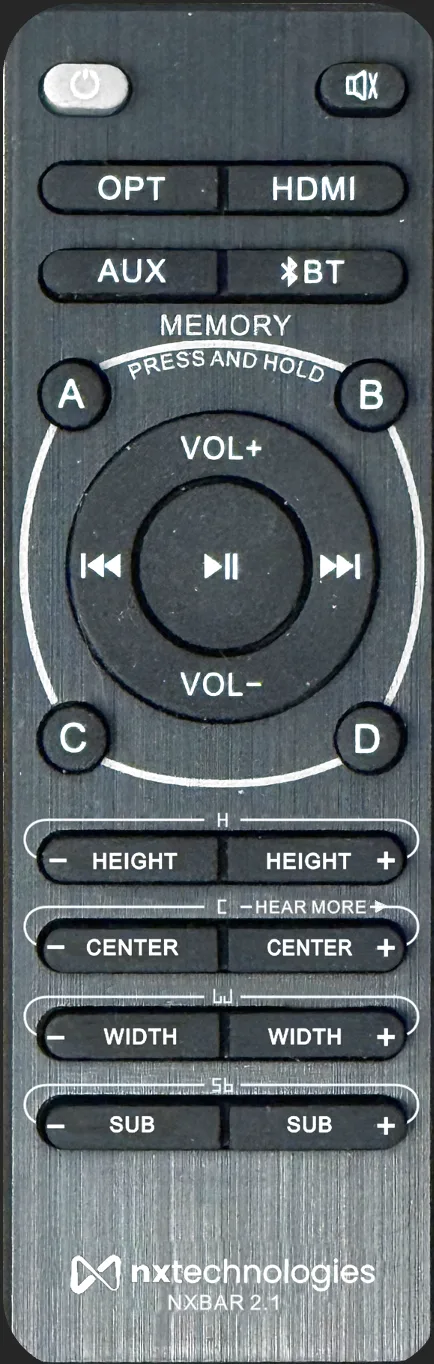
Press a button to hear it — press it again to go back to flat
We played this clip through an NXBAR 2.1 and recorded the result in each mode — then time-aligned the recordings so you can switch between them instantly. What changes is only what the soundbar does.
Press HEIGHT + and the sound lifts off the bar and opens toward the ceiling (+4) — press it again and you're back to flat. HEIGHT − collapses it down to −4, so you can hear exactly what you'd be missing.
Dialogue lives in the center channel. Press DIALOG + once and voices step forward (+4); press it again for full HearMore™ clarity; a third press returns to flat. DIALOG − sinks the voices to −4.
Press WIDTH + and the stage stretches far past the edges of the TV (+5); press again for flat. And All 3 On maxes Height, Width and Dialog together — the full NXBAR 2.1 experience.
Subwoofer level and A/B/C/D memories are hardware features of the NXBAR 2.1 and aren't part of this online demo.
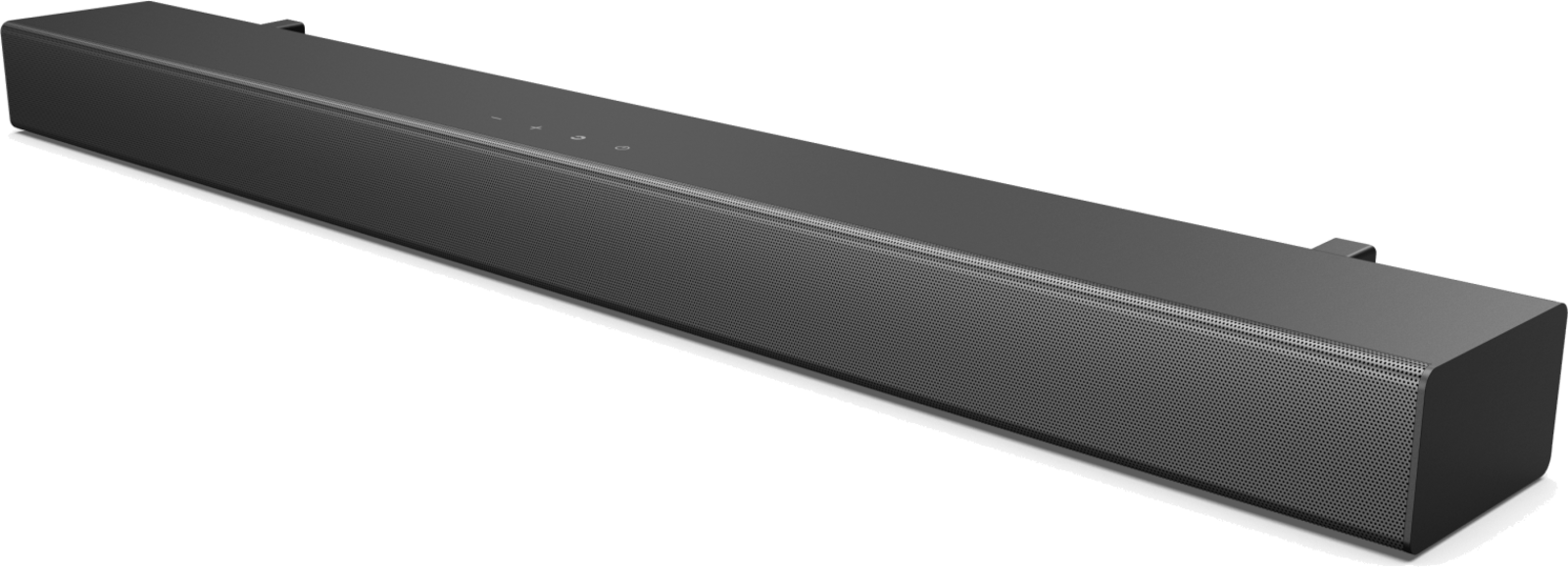
NXBAR 2.1 with wireless subwoofer — $499